
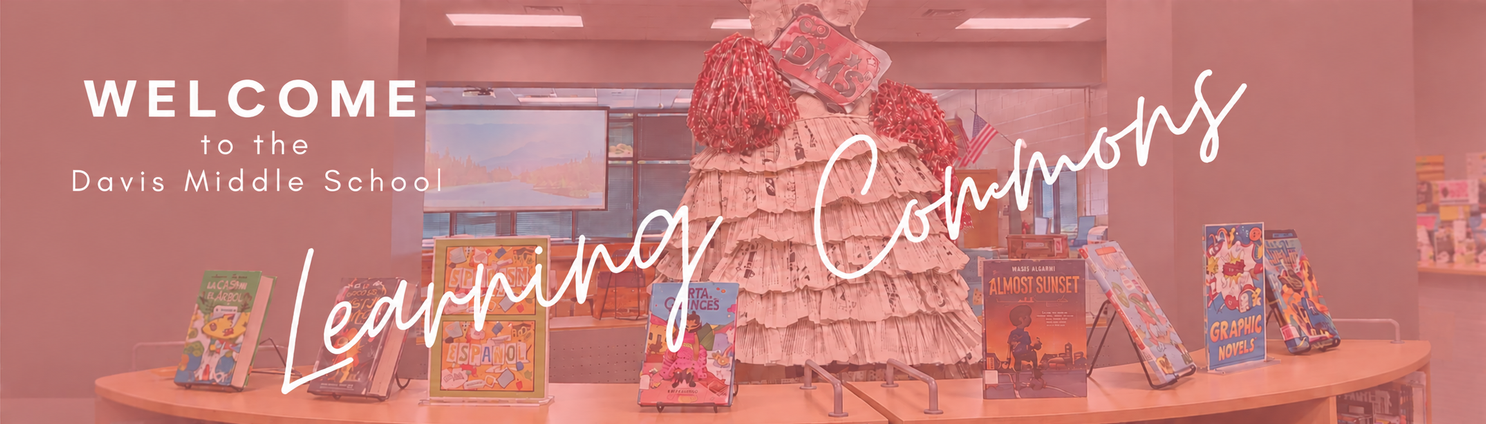
Welcome to the Learning Commons!
Meet the Media Staff:
Media Specialist: Christa Holland
Media Clerk: Wendy Boatwright
Technology Support Assistant: Abby Turner
Learning Commons Student Hours of Operation:
8:15 a.m. until 3:15 p.m.
The Learning Commons is open until 4:00 p.m. for staff.
All students have access to the Learning Commons Canvas course which has links and resources for everything in the Learning Commons.
Frequently Asked Questions:
How many books may I check out at one time?
You are allowed to check out three books at a time; two from the media center and one eBook.
How long can I keep the books that I have checked out?
Check out is for two weeks. If you are not finished reading the book, you may renew the book for another 2 weeks.
What happens if I lose my book?
A fine will be issued with the purchase price of the book and you will be responsible for paying it.
Helpful Websites
• Destiny
The DMS digital card catalog helps you search through the all the books in our inventory at DMS Media Center. In addition, Follett Shelf gives you access to eBooks, Audiobooks and Databases.
• Lexile.com
“A Lexile measure is a valuable piece of information about either an individual’s reading ability or the difficulty of a text, like a book or magazine article. The Lexile measure is shown as a number with an “L” after it — 880L is 880 Lexile”.This web-site is very helpful in explaining Lexile information; including, identifying the Lexile number of a book, helping readers find books to read in their Lexile range and explaining Lexile codes.* Be careful; several books can carry the same title but are written by many different authors. If you want to be certain that you get the correct Lexile number for a book, use the “advanced search” and enter both the title and author OR enter the ISBN.
All Things Chromebook:
Ms. Turner’s office is open from 8:15 a.m. to 3:15 p.m. for students.
Friendly Reminders:
Stickers
The two stickers that must remain on a student’s device at all time are the student’s name sticker (blue, yellow, or orange depending on what grade the student is in) and the asset tag on the back of the device (red sticker that says C.W. Davis Middle School).
Personal stickers are allowed on devices under the requirement that they are appropriate. All 8th grade students are required to remove their stickers from their assigned device by the time they turn in their Chromebook in May.
Loaner Devices
Students that need repairs on their device will be issued a “Hot Swap Loaner Chromebook.” They will keep this Chromebook with them until their device is returned (it takes around a week for devices to return once they are taken for repairs).
Fines
Once the student’s device returns from being repaired, the TSA will assess the repair(s) and issue the appropriate fine(s) for the part(s) that was replaced. The student will then be given a bill when receiving their Chromebook back with the amount and any notes the TSA has to give.
Broken/Lost Chargers
If a student breaks or has lost their charger, a fine of $15.00 will be issued and the student will not receive a new charger until the fine is paid.